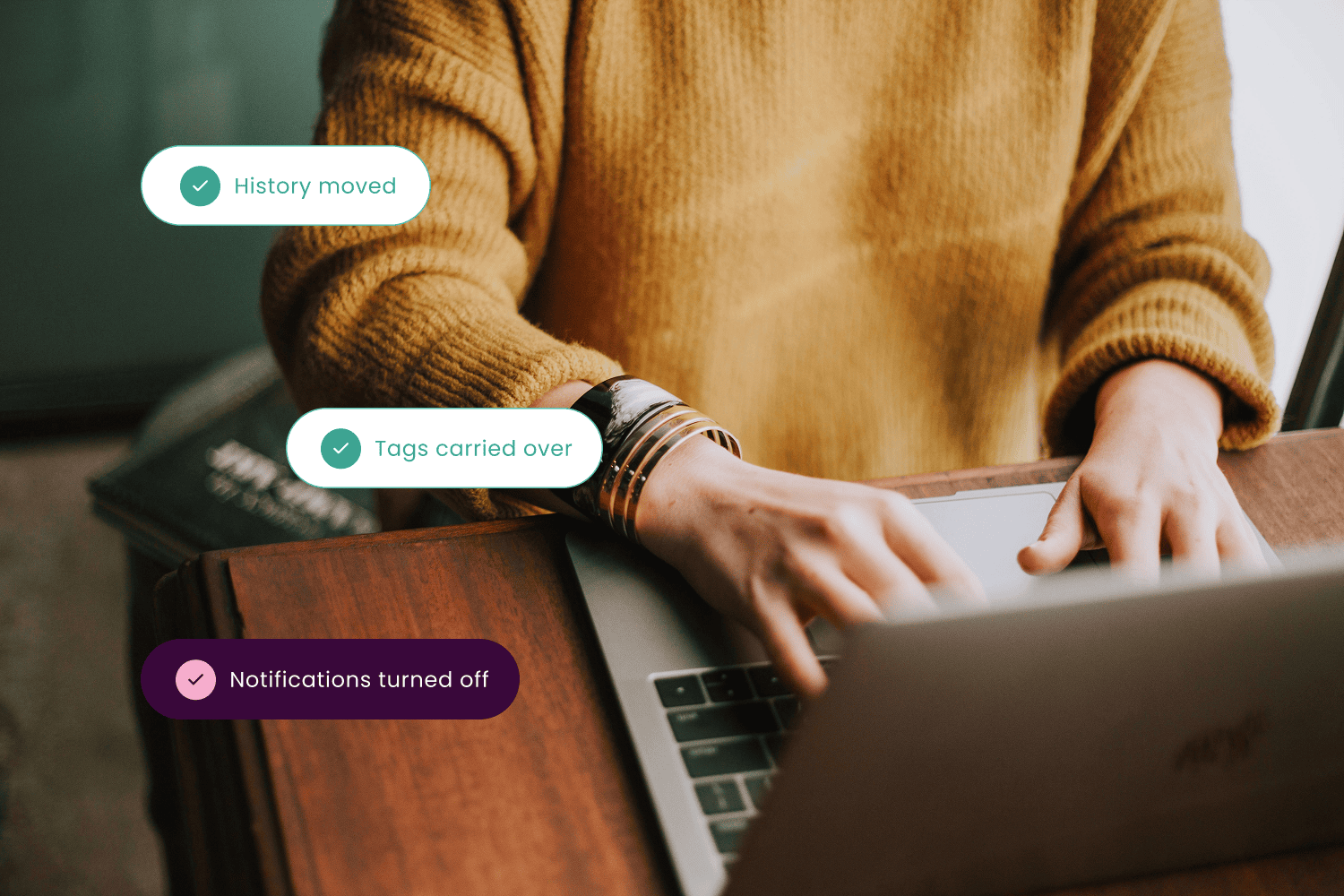
Migrate to Intercom without losing a ticket
Faye’s Intercom migration services move support teams onto Intercom, the customer service platform by Fin, from Salesforce Service Cloud, Jira Service Management, Gorgias, Freshdesk, Kustomer, Help Scout, or another Intercom workspace.
Intercom brings live chat, email, ticketing and a help center into one inbox, with Fin, its AI agent, answering questions automatically. We audit what you have, map it to Intercom, test in a sandbox and run the cutover, so your team keeps working and your customers barely notice the switch.
Why migrate to Intercom with Faye

Fin experts, not just data movers
Migration is step one. We set up Fin on top of a clean help center so it starts resolving questions sooner.

We know where you’re coming from
Salesforce, Jira and Freshworks are platforms we implement every day, so we understand the source data as well as the destination.

We don’t disappear at go-live
Our managed services team keeps Intercom humming, so you can focus on your clients while we handle the technical load.
What goes wrong when you migrate to Intercom
These three come straight from our own projects. Every one of them is avoidable.
All or nothing on history
One client needed only part of their ticket history. Intercom’s native importer couldn’t do it, because all tickets must be migrated. We ruled it out and ran a scripted migration instead.

Test imports that email customers
A trial run fired live CSAT surveys at real customers about tickets closed months earlier. Now surveys and notifications are switched off before any data moves.

Replies landing in the old tool
With no cutover message, customers kept replying on the platform being retired, creating duplicates that had to be merged by hand. A clear cutover message and auto-reply prevent it.
Before you migrate to Intercom: know the native importer’s limits
Intercom offers a native ticket importer, and its help center is refreshingly honest about who it’s for. In Intercom’s own words, it suits teams that:
“Don’t need to import ticket tags” – Intercom Help Center
“Are migrating less than 150k tickets” – Intercom Help Center
“Isn’t migrating a specific set of tickets (all tickets must be migrated)” – Intercom Help Center
Intercom also warns that “there may be some instances where Ticket email notifications are still sent to customers” while historical tickets are migrated. Attachments are capped at 10 per ticket, and side conversations and call recordings don’t come across.
For most source platforms there’s no native importer at all, so the move runs through a migration tool or Intercom’s API. If the native route fits your team, we’ll tell you so. If it doesn’t, that’s where we come in. Talk to a Fin expert →
How long does a migration to Intercom take?
Intercom’s own guidance is that “simple migrations with automated tools can complete in one to two weeks” and “enterprise migrations typically take four to eight weeks.” What moves the needle:
- Volume and age of history. How many tickets, and how far back you really need.
- Brands, inboxes and teams. Each one adds mapping and testing.
- Automation to rebuild. Usually the longest single task.
- Custom data. Fields and objects need mapping decisions, not just copying.
44,000
tickets across two brands
moved to Intercom after a decade on a legacy help desk, where the native importer had to be ruled out.
Our process for migrating you to Intercom
01 Audit and scope
We look at what you have and agree what moves, what gets archived and what stays behind.
02 Map
Fields, tags, users, teams and ticket types are mapped to their Intercom equivalents.
03 Test in a sandbox
Notifications and surveys off, a sample of real data in, and your team checks the results.
04 First run
All closed history up to an agreed delta date moves across. Every run has a written roll back plan, the steps for undoing it if anything looks wrong.
05 Cutover
New conversations switch to Intercom. With drain and fill, new requests land in Intercom early while your team works down open tickets in the old tool. With a synced cutover, everything switches on one day, timed to the final run.
06 Delta run
A second, smaller run picks up everything created or updated since the delta date.
07 Rebuild and go live
Macros, Workflows and Fin are set up, and your team works fully in Intercom.
Where are you migrating to Intercom from?
Pick your current platform to see what moves, what gets rebuilt and how we handle it.
Jira Service Management
Requests, notes and request types
See how it works
Gorgias
Ecommerce tickets and order context
See how it works
Freshdesk
Tickets, notes and canned responses
See how it works
Kustomer
Award winning sales, service, and marketing platform implementation
See how it works
Help Scout
Unlock 100x transformation with practical, AI powered solutions designed for your organization
See how it works
Another Intercom workspace
Custom development and a proprietary marketplace of add-ons and extensions
See how it works
Something custom
Custom development and a proprietary marketplace of add-ons and extensions
See how it works
What migrating to Intercom looks like from your platform
Migrate Salesforce Service Cloud to Intercom
Salesforce is home turf for us. Cases, case comments, email messages, contacts and accounts map to Intercom tickets, conversation history, contacts and companies, which makes a Salesforce to Intercom data migration predictable. Assignment rules, escalation rules and Flows are rebuilt as Intercom Workflows, and if Salesforce stays as your CRM, we keep the two connected.
Migrate from Jira Service Management to Intercom
Your support team gets a friendlier front door while engineering stays in Jira. We move requests, comments, organizations and request types, keep internal comments internal as notes, and connect Intercom to Jira so escalations still land where engineers work.
Migrate from Gorgias to Intercom
A Gorgias to Intercom migration is mostly an ecommerce story. Tickets, customer records and tags move across, and order context reconnects through Intercom’s Shopify integration so agents and Fin still see what someone bought. Macros and rules are rebuilt.
Migrate from Freshdesk to Intercom
Tickets, conversations, private notes, contacts, companies and groups all move. Canned responses become macros and automations become Workflows. As a Freshworks partner too, we know both sides of this move well.
Migrate from Kustomer to Intercom
Both platforms are conversation-first, so a Kustomer to Intercom conversation migration keeps its shape. Customer timelines map to contacts and conversations, and Kustomer custom objects can map to Intercom custom objects.
Migrate from Help Scout to Intercom
Mailboxes become Intercom inboxes and teams, conversations and notes keep their history, saved replies become macros, and Docs articles move into Intercom’s Help Center. Workflows are rebuilt.
Intercom to Intercom migration: workspaces and data regions
Merging workspaces after an acquisition, splitting brands, or moving from US to EU or Australian hosting? Intercom states that “direct migration of your existing workspace data from one region to another is not possible,” and historical conversations don’t come across natively. For an Intercom to Intercom data migration, we move contacts, companies, attributes and configuration, then agree the best approach for history: recreated through the API, or a searchable archive.
Custom migrations with the Intercom Conversations API
When the native importer and off-the-shelf tools can’t do the job, we script it. An Intercom Conversations API migration lets us control exactly which records move, how they’re mapped and in what order, while handling rate limits, attachments, author mapping and re-runs without duplicates.
Questions about migrating to Intercom
What data transfers when you migrate to Intercom?
Conversations and tickets, contacts, companies, attachments, custom fields and help center articles can all move to Intercom. Ticket tags transfer with a scripted or tool-based migration but not with Intercom’s native importer. Macros, triggers and automations never transfer and are rebuilt in Intercom as macros and Workflows.
How long does a migration to Intercom take?
Intercom’s guidance is one to two weeks for simple migrations with automated tools and four to eight weeks for enterprise migrations. The main factors are ticket volume, the number of brands and inboxes, and how much automation needs rebuilding. We give you a realistic timeline after the audit, not before it.
Can you migrate only some tickets to Intercom?
Yes, but not with Intercom’s native importer, which requires all tickets to be migrated. A scripted migration lets you choose by date range, status, brand, inbox or tag, so you only bring across history that’s worth keeping.
Do customers get emailed during an Intercom migration?
They can. Intercom warns that ticket email notifications may still be sent to customers while historical tickets are migrated, and test imports can trigger CSAT surveys. We switch off notifications and surveys, test in a sandbox workspace first, and send a clear cutover message so customers know where to reply.
What are the four types of data migration?
The four commonly cited types are storage migration, database migration, application migration and business process migration. Moving your support team to Intercom is mainly an application migration, but it usually involves database work (mapping records) and business process work (rebuilding automations and workflows) too.
Stay up to date on our latest content

AI Readiness Assessment: The 14 Questions That Tell You If Your Company Is Ready (and What to Do at Each Stage)

How to Choose a Claude Implementation Partner: 9 Questions to Ask Before You Sign

Intercom Implementation: What a Partner-Led Fin Rollout Looks Like from Kickoff to Hypercare

AI Customer Service in Banking and Fintech: What Fin Should Handle, and What It Shouldn’t
Ready to migrate to Intercom?
Talk to a Fin expert about what moves, what gets rebuilt and how long it will really take.